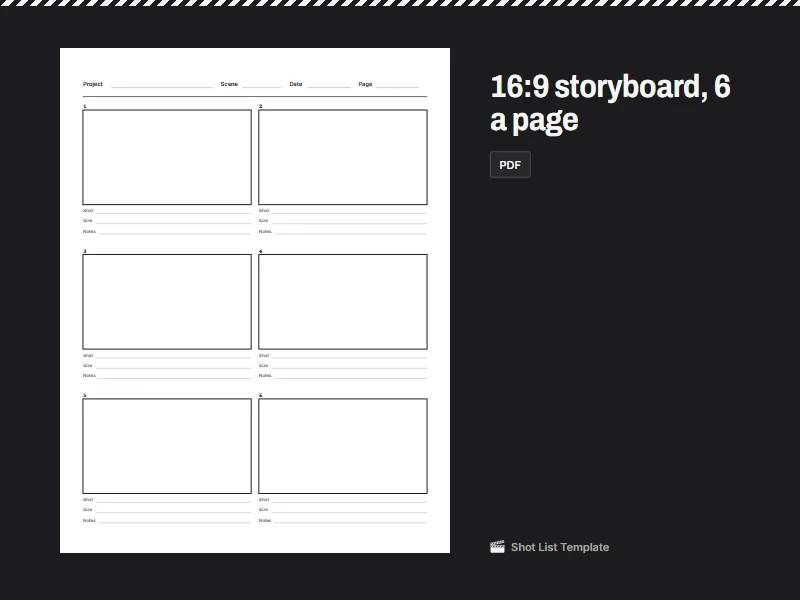
Storyboard Template
Pick the frame shape, frames per page and the lines under each frame, then print it or save a PDF. Free, no sign-up.
Preview of page 1. Frames are drawn at their true shape.
Ready-made storyboard sheets
These six cover the common frame shapes. Each one is built by the same layout function as the maker above, with lines for the shot, the size and notes under every frame, on US Letter.
-
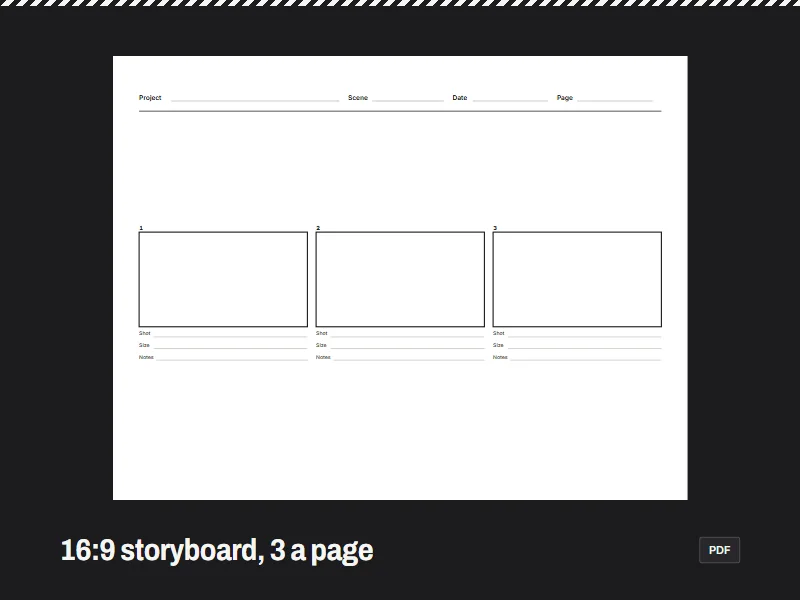
16:9, three frames a page
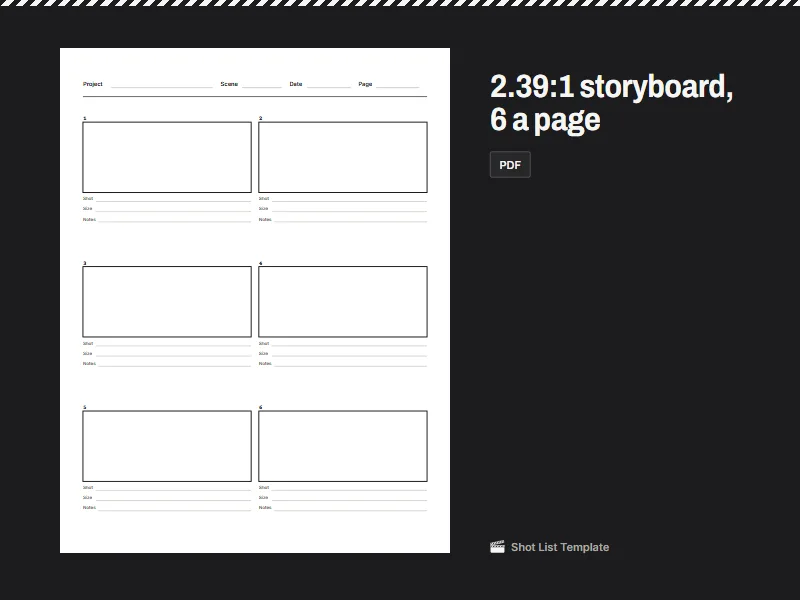
2.39:1, six frames a page
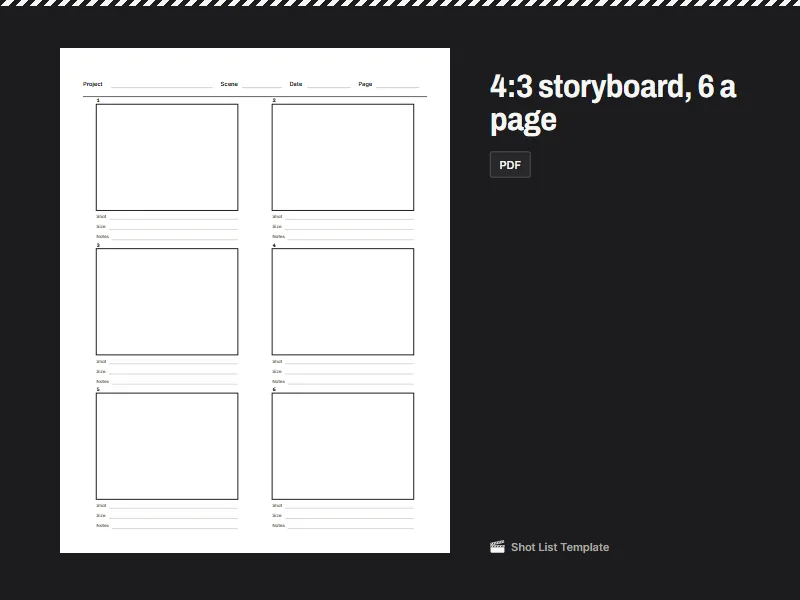
4:3, six frames a page
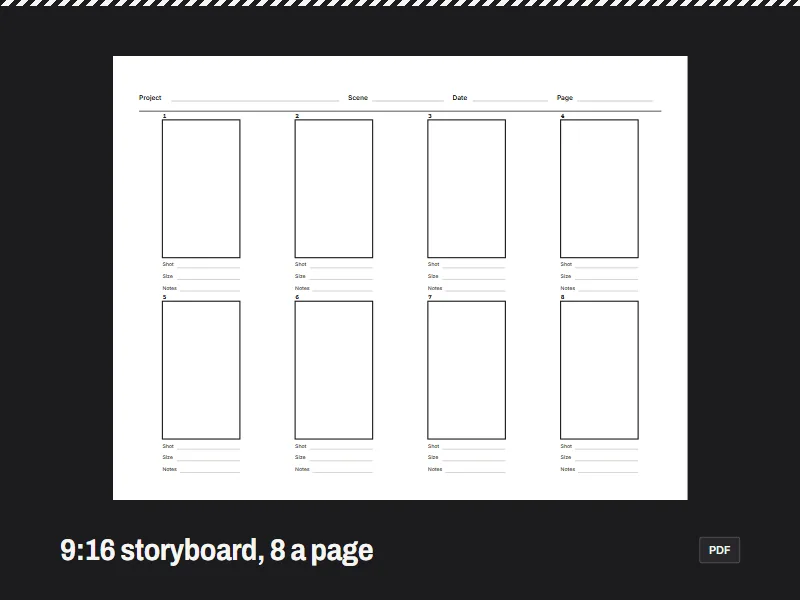
9:16, eight frames a page
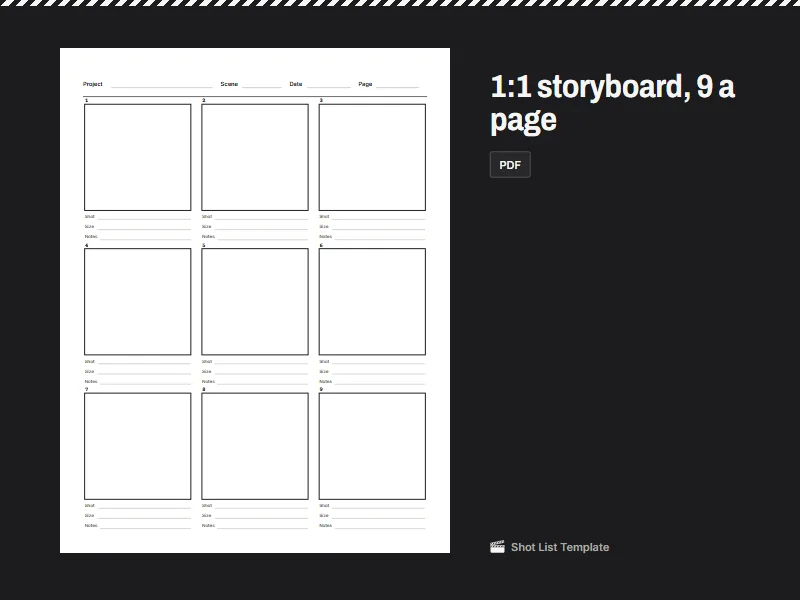
1:1, nine frames a page
Pick the aspect ratio
The frame on the page should be the shape of the final picture, or every composition you draw will be wrong by the time it reaches the screen.
| Ratio | Looks like | Use it for |
|---|---|---|
| 16:9 | Today's standard widescreen picture | Online video, YouTube, TV and most client work |
| 2.39:1 | A long, letterboxed frame | A widescreen cinema look |
| 1.85:1 | Wide, but less than 2.39:1 | The flatter theatrical frame many features use |
| 4:3 | Close to square, the shape of older TV | A classic or archive look, and a lot of animation |
| 1:1 | A square | Square social posts |
| 9:16 | Tall: the phone held upright | Vertical video such as Reels, TikTok and Shorts |
| 4:5 | Slightly taller than square | Portrait posts in social feeds |
The rule is simple: match the frame to where the video will be seen. When you are not sure, draw in 16:9.
How many frames per page
The maker offers two to nine frames a page. Two to four large frames suit detailed drawing and boards you will show a client. Six is the everyday choice for most scenes: big enough to sketch in, small enough to read the flow at a glance. Eight or nine small frames work for thumbnails and fast planning.
Whatever you pick, the maker tries every grid that gives that count and keeps the one with the largest frames for your paper and orientation, so a 2.39:1 sheet and a 9:16 sheet with six frames come out arranged quite differently.
What to write under each frame
Each frame can carry up to four ruled lines. There are six to choose from:
- Shot: the shot number from your list, such as 12A.
- Size: how much of the subject is in frame.
- Movement: what the camera does.
- Dialogue: the line being spoken.
- Notes: anything else, from props to sound.
- Duration: how long the shot runs, useful for animatics.
For a live-action shoot, shot, size, movement and notes do the most work. For animation, swap movement for duration. For a client board, keep it to shot and dialogue so the drawings speak. The names to write in the size and movement lines are on the camera shot list page.
How to use a storyboard sheet
- Number the frames to match the shot list, so the boards and the list point at the same shots.
- Sketch the composition simply. Stick figures are fine; what matters is where things sit in the frame.
- Write the shot details on the lines under each frame.
- Draw camera moves with one arrow style and character moves with another, and say which is which.
- Go through the sheets with the crew before the shoot day.
- Print one set per scene and keep it with the shot list on set.
Fill a storyboard from your shot list
Make your list with the shot list template maker, then press Fill a storyboard under it. This page opens with one frame per shot, numbered in order, and the lines under each frame filled from the list: the shot number, size, movement and dialogue cue. Long lists run across as many pages as they need, up to 50.
To try it without writing anything, open one of the shot list examples, press Use this one, then Fill a storyboard.
Storyboard or shot list?
A shot list describes each shot in words, so it is quick to write and easy to reorder. A storyboard draws each shot, so everyone sees the same composition. Write the list first, then board the shots that are hard to explain: the stunt, the reveal, the move that has to land on a line. For the full comparison, see what is a shot list.
Questions
What is a storyboard template?
A storyboard template is a sheet of empty frames in the shape of your final picture, with lines under each frame for the shot number, camera notes and dialogue. You sketch one frame per shot, so the whole crew can see the plan. The maker above draws sheets in seven frame shapes and prints them on Letter or A4.
What aspect ratio should my storyboard frames be?
Match the frame to where the video will be seen. Use 16:9 for YouTube, TV and most online video, 2.39:1 for a widescreen cinema look, 4:3 for a classic or archive look, 1:1 for square posts, and 9:16 for vertical video such as Reels, TikTok and Shorts. If you are unsure, pick 16:9.
How many frames should a storyboard page have?
Six frames a page suits most scenes: big enough to sketch, small enough to see the flow. Choose two to four larger frames for detailed drawings or a board you will show a client, and eight or nine small ones for quick thumbnails. The maker always fits the largest frames it can for the count you pick.
Can I print these storyboard sheets?
Yes. Every sheet prints on US Letter or A4, portrait or landscape, with a header for the project, scene and page number. Download one of the six ready-made PDFs, or set up your own sheet in the maker and print it or save it as a PDF. Frames keep their exact shape on paper.
Is there a storyboard template in Word or Google Docs?
Not on this page. The sheets are PDFs, because a PDF keeps every frame the exact shape you chose when it prints, while word processors tend to shift boxes around. If you want to type into frames, fill the lines from your shot list in the maker before printing, then sketch by hand.
What is the difference between a storyboard and an animatic?
A storyboard is a set of still frames on paper or screen. An animatic is those frames cut together as a rough video, timed to dialogue, music or a temp track, so you can judge pacing before shooting or animating. Most animatics start from a storyboard, so a clean, numbered board saves time later.
Can ChatGPT make a storyboard?
A chatbot such as ChatGPT can describe frames, suggest a sequence and, with image features, draw rough pictures, but the results need checking against your script and locations. This sheet maker does not draw for you: it gives you correctly shaped frames, numbered and filled from your shot list, ready to sketch.
How do I fill a storyboard from my shot list?
Make your list in the shot list maker, then press Fill a storyboard. This page opens with one frame per shot, numbered in order, and the lines under each frame filled with the shot number, size, movement and dialogue cue. Pick the frame shape and paper, print, and sketch each frame.